Kernels
The kernel is a program at the core of a device's operating system and has complete control over everything in the system. The iOS kernel is the XNU kernel of Darwin, whereas Android uses a modified version of the Linux kernel with further architectural changes implemented by Google.
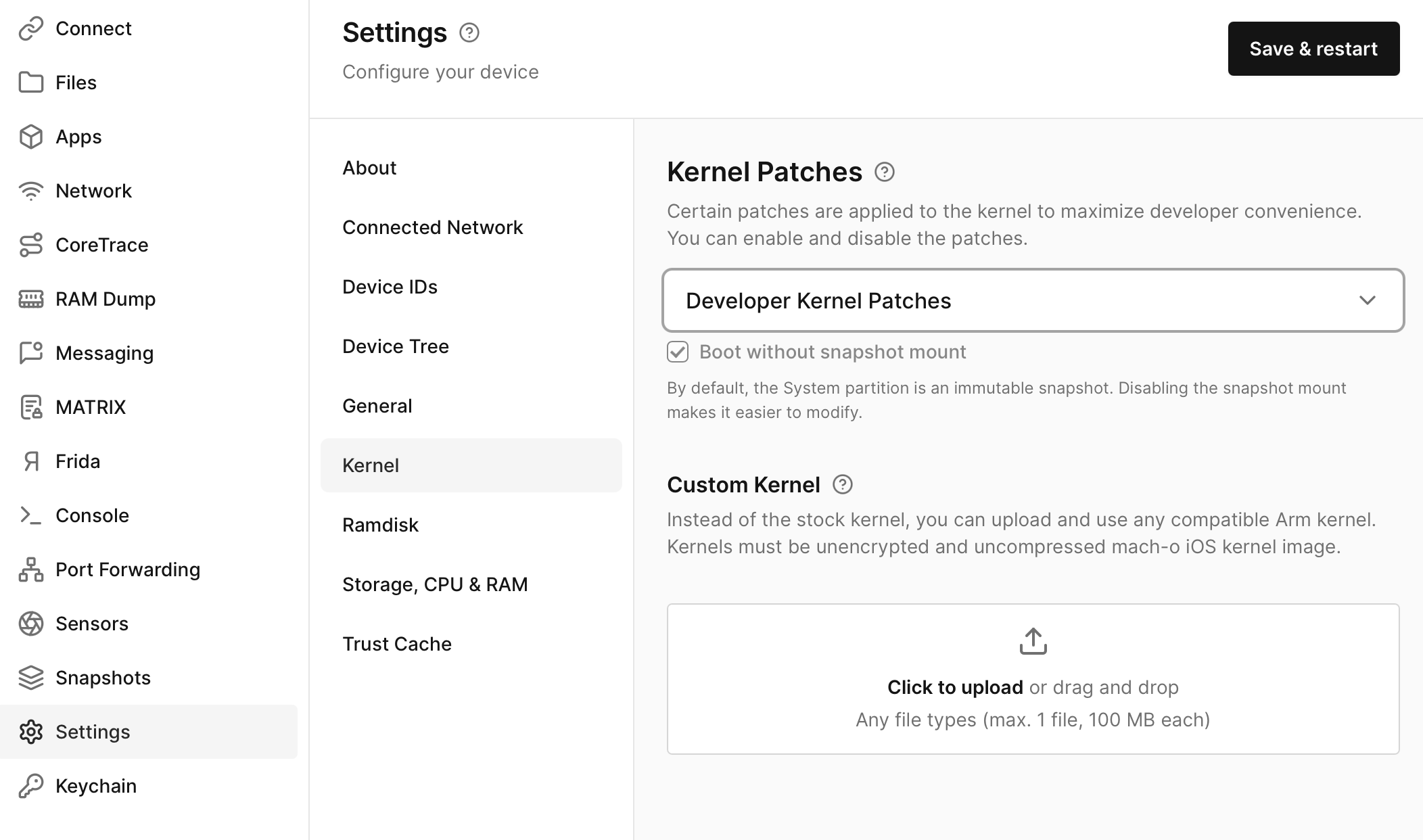
Corellium supports multiple kernel options depending on your device, operating system, and license.
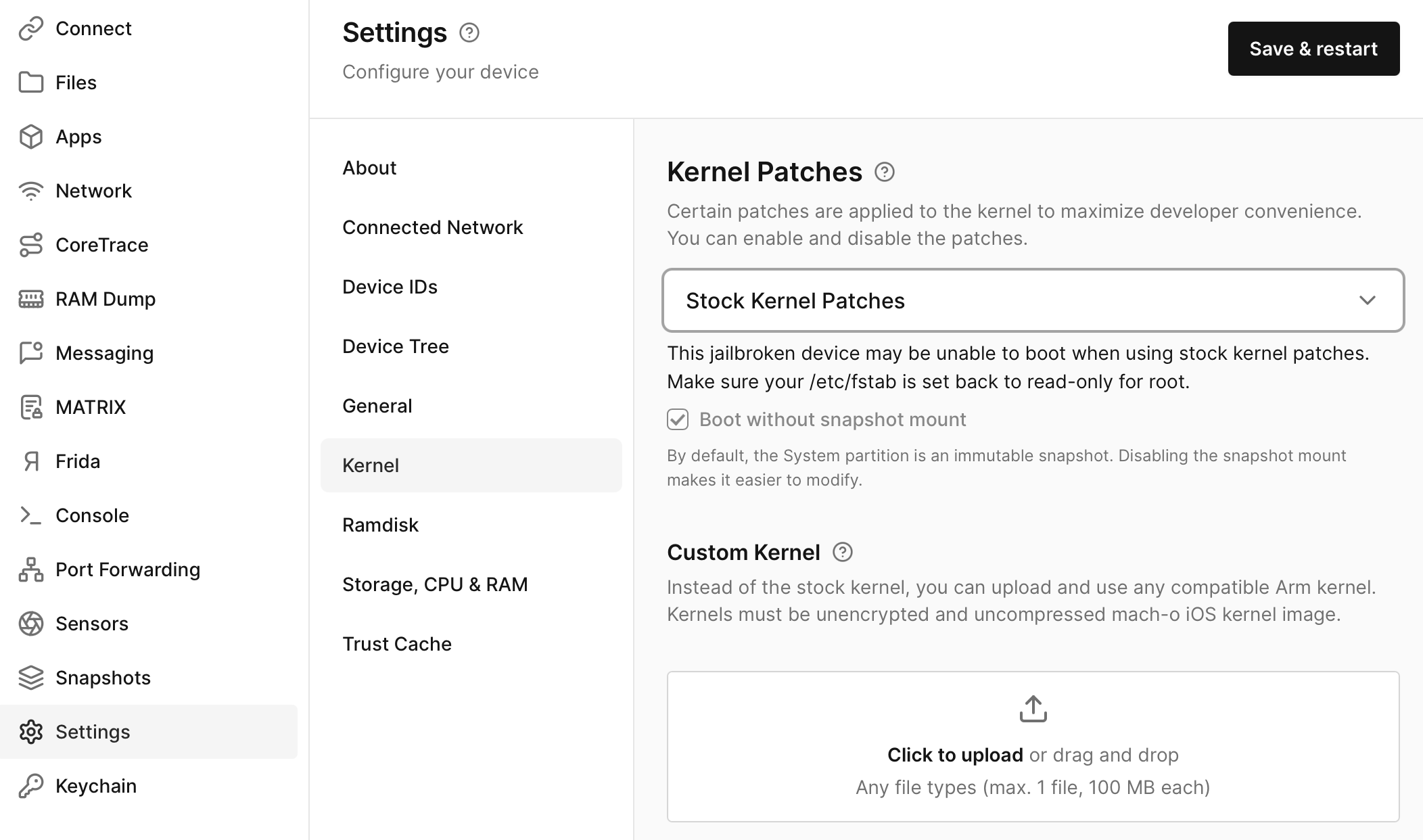
Stock Kernel
The Stock Kernel is the default kernel included with the selected operating system.
Use the Stock Kernel when you want the device to boot with the standard kernel provided for the selected device and OS version.
KASAN and HWASAN-Enabled Kernels
The KASAN-Enabled Kernel enables Kernel Address Sanitizer (KASAN), which helps detect memory safety issues during kernel execution.
Hardware-assisted AddressSanitizer (HWASAN) provides similar memory-safety detection using hardware-assisted memory tagging. HWASAN can help identify memory corruption issues while reducing some of the overhead associated with traditional KASAN instrumentation.
KASAN- and HWASAN-enabled kernels are useful for:
- Detecting out-of-bounds memory accesses.
- Detecting use-after-free conditions.
- Identifying memory corruption issues.
- Kernel debugging and vulnerability research.
The available sanitizer depends on the selected device and operating system version. KASAN- or HWASAN-enabled kernels may not be available for every supported configuration.
Custom Kernel
On Enterprise Accounts, a custom Linux kernel can be uploaded for Android devices. It will be used instead of the default Linux kernel. For instance, you may want to customize a kernel to:
- Generate a
vmlinuxto aid kernel debugging. - Enable debug symbols.
- Add instrumentation, such as KASAN or Kcov.
- Add or remove exploit mitigations.
- Integrate training modules or revert security patches for security testing.
For iOS devices, you can upload and use any compatible ARM kernel instead of the stock kernel.
For either device, simply drag your custom kernel into the appropriate place in Settings to upload it. All custom kernels must be unencrypted and uncompressed.
Uploading a custom kernel has license restrictions and may not be available with all license types.