Environment
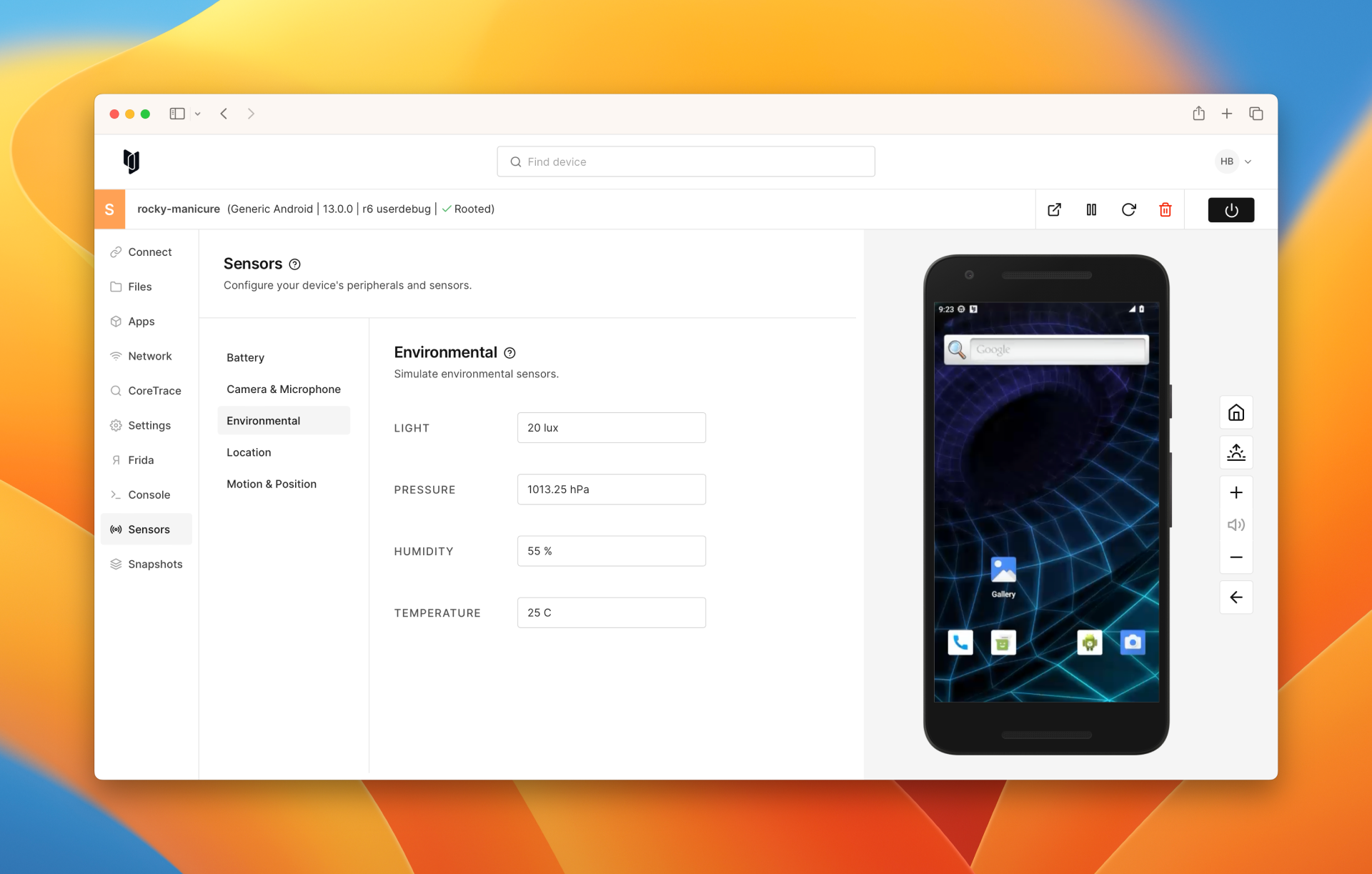
You can adjust your Corellium Android device's environmental light, humidity, barometric pressure, and temperature sensors by going to Sensors > Environmental.
Light
Configure the ambient light level (in lux).
Our light feature is measured by Lux or lx. One unit of measurement is called a Lux, which describes how much light falls on a certain area. (This is different from a unit of lumens, which tells you the total amount of light emitted by a light source.)
1 LUX = 1 Lumen / m2
Pressure
This option will let you make changes to the altitude data (in regard to Ambient air pressure).
Configure the atmospheric pressure (in hectopascals).
Humidity
This option will adjust the ambient relative humidity in per cent (% RH).
Temperature
This option will adjust the device temperature in degrees Celsius.